
Your data
Deleting your Budiyu account
You can delete your account at any time. Doing so erases your data. There are two ways to go about it.
In the app
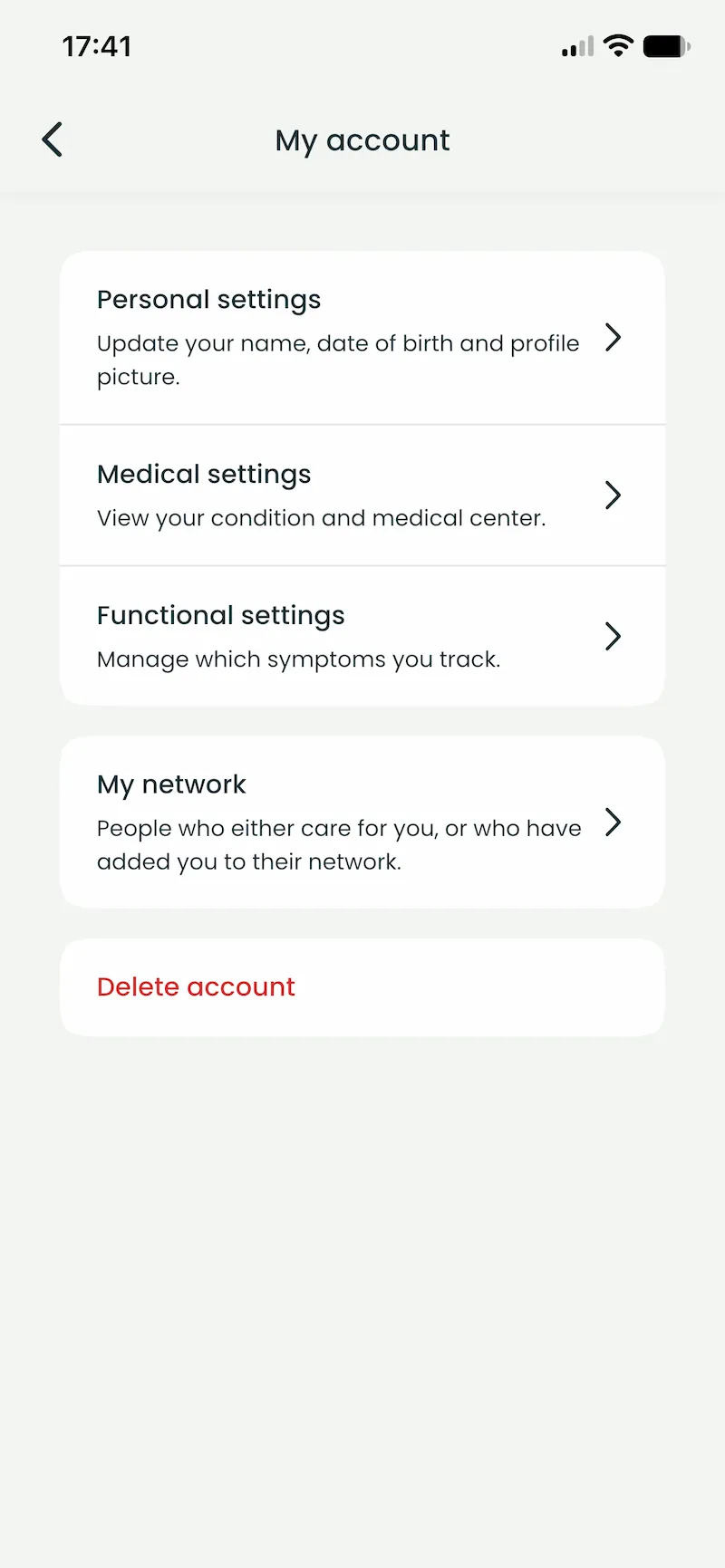
This is the quickest route. Open the Budiyu app, go to My account and choose Delete account at the bottom of the screen. Your data is erased along with it.
By email
If the app route does not work, send PatientSolutions B.V. a message asking us to erase your data. Send it from the email address your account was created with, otherwise we cannot establish that the request came from you.
Email privacy@budiyu.com. Requests about your data are given priority.
What Budiyu keeps about you
If you would first like to know which data Budiyu keeps and why, that is set out on Your data.
Read what we do with your data